
How to Install Apollo Group TV on Apple TV & iOS (2026 Guide)
If you want to know how to install Apollo Group TV on Apple TV (4K & HD), iPhone, or iPad, you are in the right place. Since Apple devices do not support the "Downloader" app, the setup process is slightly different but very simple.
This official guide will walk you through setting up the best players for the Apple ecosystem. If you have a Firestick device, please check our Firestick Installation Guide instead.
We recommend using Startup Show or IPTVX, which are the most stable players for our service.
Table of Contents
1. Method 1: Install Apollo Group TV on Apple TV (Startup Show)
Startup Show is the most reliable player for Apollo Group TV on Apple devices. It is free and handles our massive channel list perfectly.
Step 1: Install the App
Go to the App Store on your Apple TV or iPhone. Search for "Startup Show" and install the app.
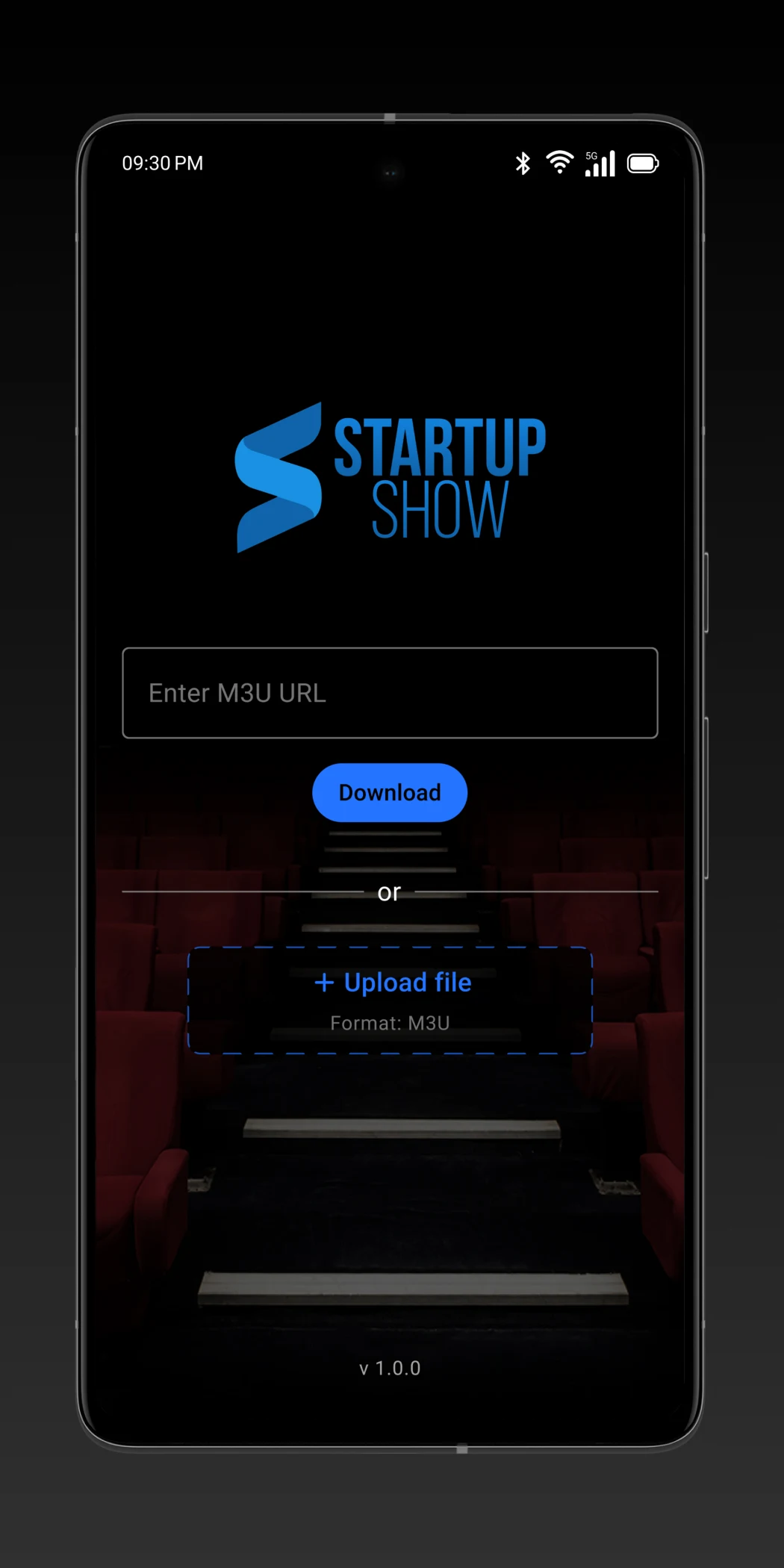
Step 2: Enter M3U URL
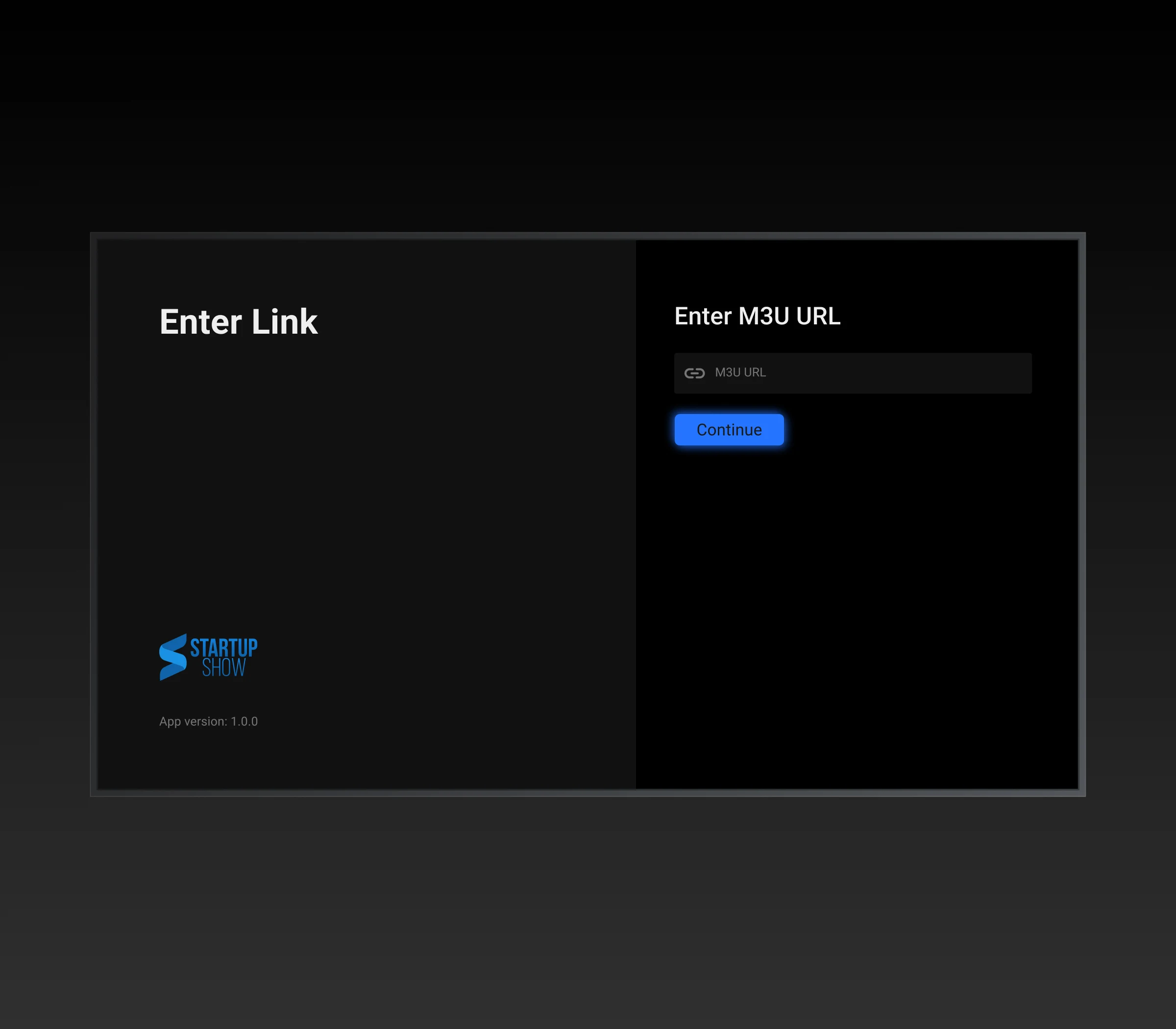
Open the app. You will be asked for a URL. Enter the M3U URL provided in your Apollo Group TV welcome email. It usually starts with http://...

Step 3: Watch Live TV
Once loaded, you will see the "Live TV", "Movies", and "Series" categories. The interface is clean and works perfectly with the Apple TV remote.
2. Method 2: IPTVX (Premium Netflix-Style)
If you want a beautiful, Netflix-style interface, IPTVX is the best choice. It is highly rated but may require a small one-time purchase for full features.
- Download IPTVX from the Apple App Store.
- Select "Xtream Codes" as your login method (this is faster than M3U).
- Enter the Server URL, Username, and Password from your email.
- Allow the app to sync. This may take 2-3 minutes the first time.
3. Troubleshooting Apple TV Issues
Common fixes for playback issues on Apple TV 4K and HD.
EPG (TV Guide) Not Loading
If your guide is empty, go to the app settings and look for "Refresh EPG" or "Reload Playlist." Apple TV sometimes puts apps to sleep, stopping the auto-update.
Buffering on Wi-Fi
Apple TV requires a strong signal. If you are buffering, run a speed test at Fast.com. If possible, use an Ethernet cable instead of Wi-Fi.
4. FAQs: Apollo Group TV on Apple TV
Can I use the Downloader App on Apple TV?
No. Apple TV is a closed system and does not allow "sideloading" apps via Downloader like Firestick does. You must use apps available in the App Store.
Is there an official Apollo app for iPhone?
There is no "Apollo" branded app in the App Store due to Apple's policies. You must use a third-party player like Startup Show or IPTVX.