
How to Pay Apollo Group TV with Credit Card (2026 MoonPay Guide)
If you want to pay for Apollo Group TV with a credit card or debit card, you might notice we primarily accept Bitcoin. This is to ensure 100% privacy and uptime for our service.
However, you do NOT need to be a crypto expert. You can use a trusted payment processor called MoonPay to pay with your card in minutes. It acts as a bridge: You pay MoonPay with your Visa/Mastercard, and they send the Bitcoin to us.
Table of Contents
1. Get Apollo Payment Details
First, go to our Subscription Plans page and place an order. At checkout, select "Bitcoin" as the payment method.
You will see a screen with a QR Code and a BTC Address string (a long line of random numbers and letters). Keep this tab open.
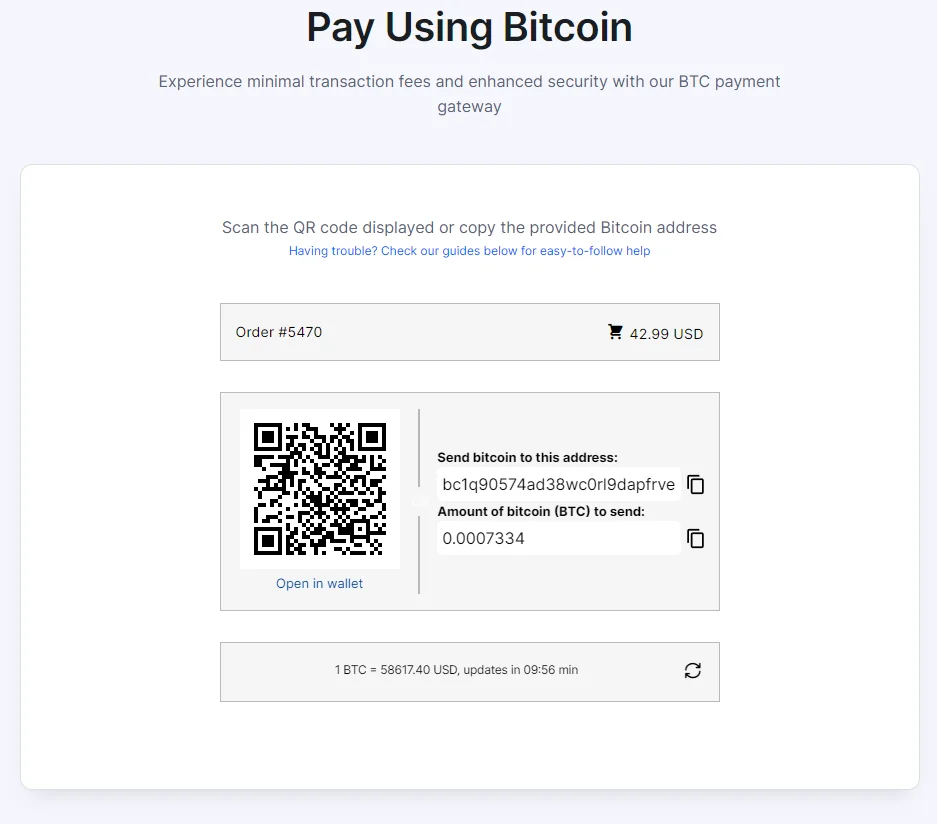
2. Enter Amount on MoonPay
Open a new tab and go to MoonPay.com.
Select "Bitcoin (BTC)" as the currency. Enter the exact amount displayed on your Apollo checkout screen (e.g., 0.0012 BTC).
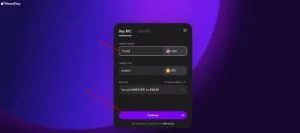
Next, it will ask for the Wallet Address. Paste the long address code you copied from the Apollo checkout page.
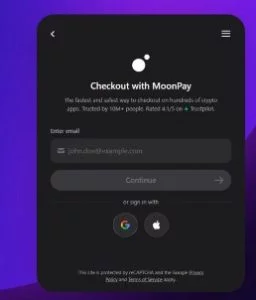
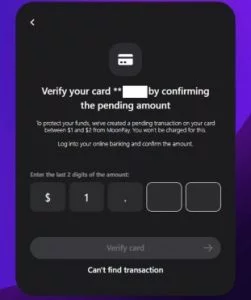
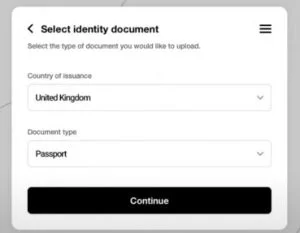
3. Verify Email & Identity
If this is your first time using MoonPay, they need to verify you are a real person (just like a bank). Enter your email address to receive a verification code.
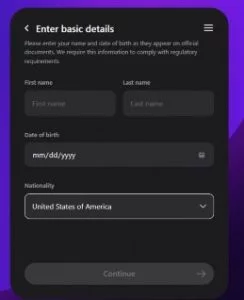
Enter your basic details: Name, Date of Birth, and Billing Address. This must match the Credit Card you intend to use.
4. Add Card & Pay
Finally, enter your Credit or Debit Card information. MoonPay accepts Visa, Mastercard, and some Maestro cards.

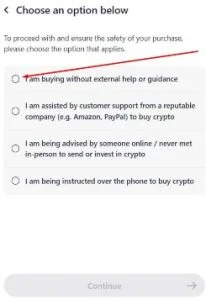
Review the transaction summary. If prompted for the "Purpose of Transaction," simply select "I am buying digital goods" or "I am sending to my own wallet." Click Pay Now.
5. Credit Card Payment FAQs
Why was my card declined?
Some banks block crypto transactions automatically. If this happens, try a different card, or call your bank to authorize the transaction. Alternatively, check our guide on How to Pay with Cash App.
How long does the payment take?
MoonPay is usually instant, but the Bitcoin network can take 10-60 minutes to confirm. Once we receive the "Confirmed" status, your Apollo Group TV account is activated automatically.
Are there fees?
MoonPay charges a small processing fee for using a credit card. This fee goes to them, not Apollo Group TV.